← Retour

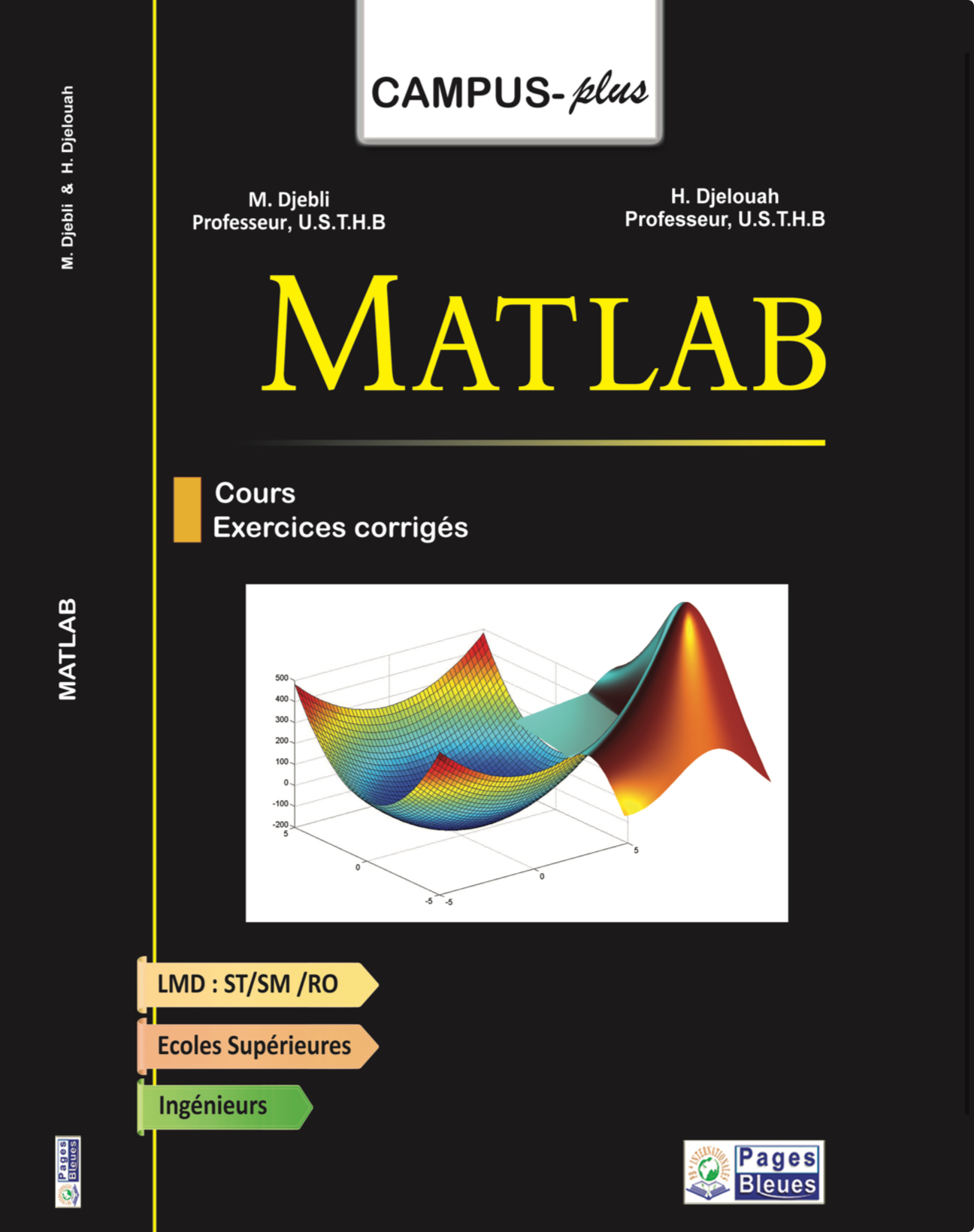
Matlab ( english version )

par: Djellouah et Djebli
Disponible
Pages 220
Dimensions 16*23,5
Publication 2026-09-15
Éditeur —
Papier : 1 200.00 DA Numérique: 600.00 DA

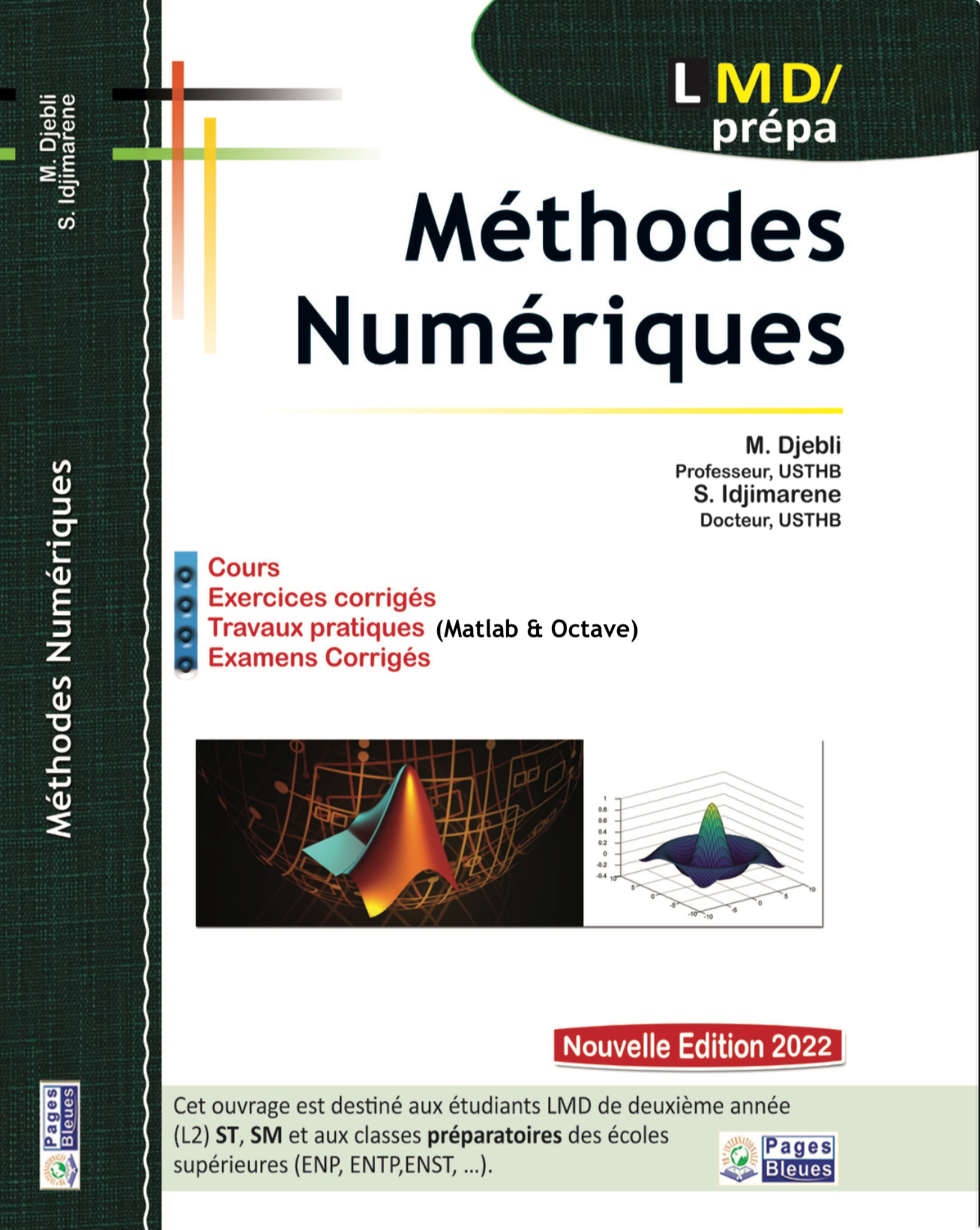
THis book is designed to help you learn the basics of the MATLABprogram- ming language for scientific computing1 . This book originates from a MATLABcourse delivered to third-year under- graduate students in Physics. We have tried to present the lessons and exercises in a simple and direct manner. This approach will ensure you quickly master the fundamental con- cepts of MATLABprogramming. The chapters are largely independent, allowing you to read them in any order, with one crucial exception: Chapter I is essential. It introduces the basic commands and language rules necessary for all subsequent chapters. Here is a guide to the book’s contents: •Chapter I: The basics (essential for all subsequent chapters). •Chapter II: Functions. •Chapter III: Plotting and graphics. •Chapter IV: Programming. This chapter consolidates all previous com- mands and demonstrates how to save them in a file to create a complete program. •Chapter V: Symbolic calculations using the Symbolic Toolbox. •Chapter VI: Solving differential equations. At the end of each chapter, you will find a set of exercises with com- plete solutions to help you practice and test your understanding. We have included two specialized indexes: one dedicated to calling external programs from MATLAB and another focused on using GNU Octave as a free alternative for readers without access to a MATLABlicense, We hope this book will serve as a practical guide for students, engineers, and researchers beginning to use MATLABfor scientific computing applications such as simulation and numerical data analysis.

Afficher la table des matières
Preface
1 Introduction
1.1 What is MATLAB ?
1.1.1 MATLAB's Key Features
1.1.2 GNU Octave: A Free Alternative
1.2 First Steps
1.3 First Steps
1.4 Variables
1.5 Matrices
1.6 Matrix Operations
1.6.1 Matrix Operations
1.6.2 Comparison Operators
1.6.3 Logical Operators
1.6.4 Control Statements
1.6.5 Matrix Functions
1.6.6 Matrix Manipulation
1.7 Getting Help
Exercises
Exercise solutions
2 Functions
2.1 Introduction
2.2 Built-in Functions
2.3 Inline Functions
2.4 Anonymous Functions
2.5 .m Files
2.5.1 Editing Files
2.5.2 Function Files (.m)
2.6 Subfunctions
2.6.1 Local Functions
2.6.2 Nested Functions
2.7 Functions of Functions
Exercises
Exercise solutions
3 Graphics
3.1 Two-Dimensional Graphs
3.1.1 Function Plotting
3.1.2 Superimposing 2 Functions
3.1.3 The fplot Function
3.1.4 Parametric Curves
3.1.5 Polar Plots
3.1.6 Semi-logarithmic and Log-log Plots
3.1.7 Filling Areas
3.1.8 Case of Discrete Data
3.1.9 The subplot Command
3.2 3D Graphs
3.2.1 plot3()
3.2.2 Contour Plots
3.2.3 Surfaces
3.3 Managing Figure Windows
3.3.1 Opening and Closing
3.3.2 Saving in a Print Format
3.3.3 Saving in MATLAB Format (.fig)
3.4 Animation
Exercises
Exercise solutions
4 Programming
4.1 Scripts
4.2 Input/Output
4.3 Control Statements
4.3.1 The for Loop
4.3.2 The Conditional Loop while...end
4.4 Conditional Statements
4.4.1 Conditional Testing
4.4.2 Multiple Choice
4.5 Vectorization
4.6 Files
Exercises
Exercise solutions
5 Symbolic Calculation
5.1 Introduction
5.2 Symbolic Objects
5.3 Symbolic Calculation with MATLAB
5.4 Calculation
5.4.1 Simplification of Symbolic Expressions
5.4.2 Substitution in Symbolic Expressions
5.4.3 Differentiation
5.4.4 Limits
5.4.5 Integration
5.4.6 Symbolic Summation
5.4.7 Symbolic Product
5.4.8 Taylor Series
5.4.9 Integral Transform
5.4.10 Equation Solving
5.5 Graphs
Exercises
Exercise solutions
6 Differential Equations
6.1 Introduction
6.2 Study Examples
6.2.1 Example 1
6.2.2 Example 2: Harmonic Oscillator
6.2.3 Example 3: Damped Oscillator
6.2.4 Example 4: van der Pol Equation
6.3 Differential Equations with Boundary Conditions
Exercises
Exercise solutions
A Extending MATLAB: External Programs and Optimized Execution
A.1 Calling External Programs from MATLAB
A.1.1 Basic Syntax
A.1.2 Example 1: Compiling and Running a Fortran Program
A.1.3 Example 2: Calling a Python Script
A.2 MATLAB in Command Line Mode
A.2.1 Why Use Command Line Mode?
A.2.2 Launching MATLAB in Command Line Mode
A.2.3 Working in Command Line Mode
A.3 Practical Considerations
A.3.1 Troubleshooting Common Issues
B Using Octave as a MATLAB Alternative
B.1 What is Octave?
B.2 Installing Octave
B.2.1 Windows
B.2.2 macOS
B.2.3 Linux
B.3 First Test with Octave
B.3.1 Launching Octave
B.3.2 Testing a Simple Program
B.4 Compatibility with Course Exercises
B.4.1 What Works
B.4.2 Minor Differences
B.5 Tips for Students
B.6 Concrete Example with a Course Exercise
B.6.1 Execution under Octave
B.7 Conclusion
Bibliography
Index

Autres livres de : Djellouah et Djebli
Avis des lecteurs

Aucun avis pour le moment.